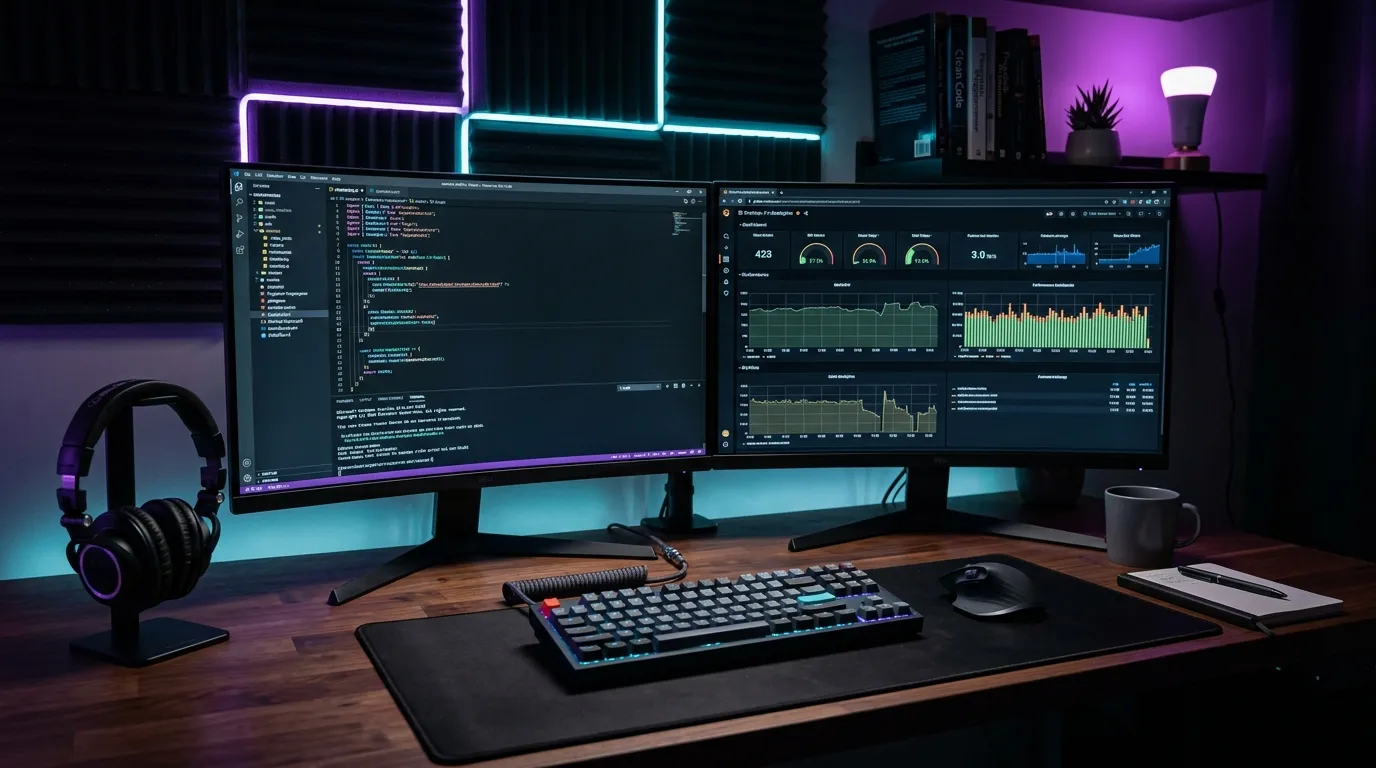
Engineering productivity is not about typing faster—it is about reducing friction, automating repetitive tasks, and maintaining deep focus. Here is a curated breakdown of the exact tools, IDE extensions, and workflows I rely on every day.
1. VS Code Configuration & Essential Extensions
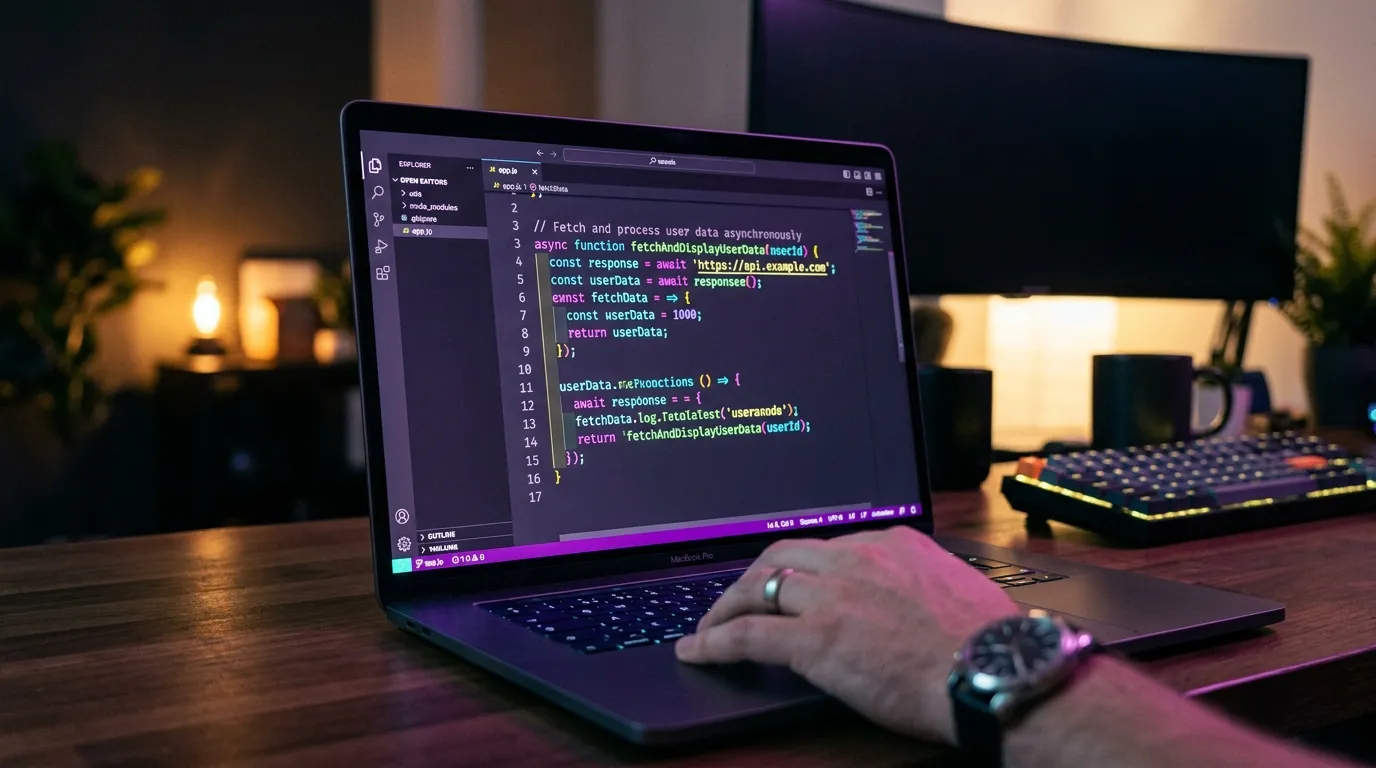
A clean editor setup minimizes visual clutter. My daily drivers include ESLint, Prettier, Tailwind CSS IntelliSense, GitLens, and error lenses for inline diagnostic feedback.
2. Terminal Velocity with Zsh & Warp
Using modern terminal emulators with AI command assistance, customized git aliases, and fast directory jumping allows navigation at lightning speed.
3. Design & Prototyping: Figma Workflow
Organized Figma component libraries with matching Tailwind design tokens streamline frontend implementation and prevent style discrepancies.
4. API Debugging with Bruno & Postman
Version-controlled API collections stored directly in the git repository allow rapid testing without cloud sync vendor lock-in.
5. AI Coding Assistants — With Guardrails
AI assistants now handle a real share of my boilerplate: scaffolding CRUD modules, writing first-draft tests, explaining unfamiliar legacy code and reviewing diffs. The trick is treating them like a fast junior developer — every suggestion gets read, typed and tested before it ships.
Ask the assistant to explain its change before accepting it. If the explanation is vague, the code usually is too.
Summary & Action Items
Conclusion
Review your daily workflows periodically to eliminate micro-inefficiencies. A streamlined development setup allows you to focus 100% of your cognitive energy on crafting exceptional software.

Written by Muhammad Sohaib
Full Stack & AI EngineerFull Stack Engineer & UI/UX Designer specializing in Next.js, React, Node.js, and high-performance digital products.